
Cardstock Tests Inkjet vs. Laser Printing for Crafters
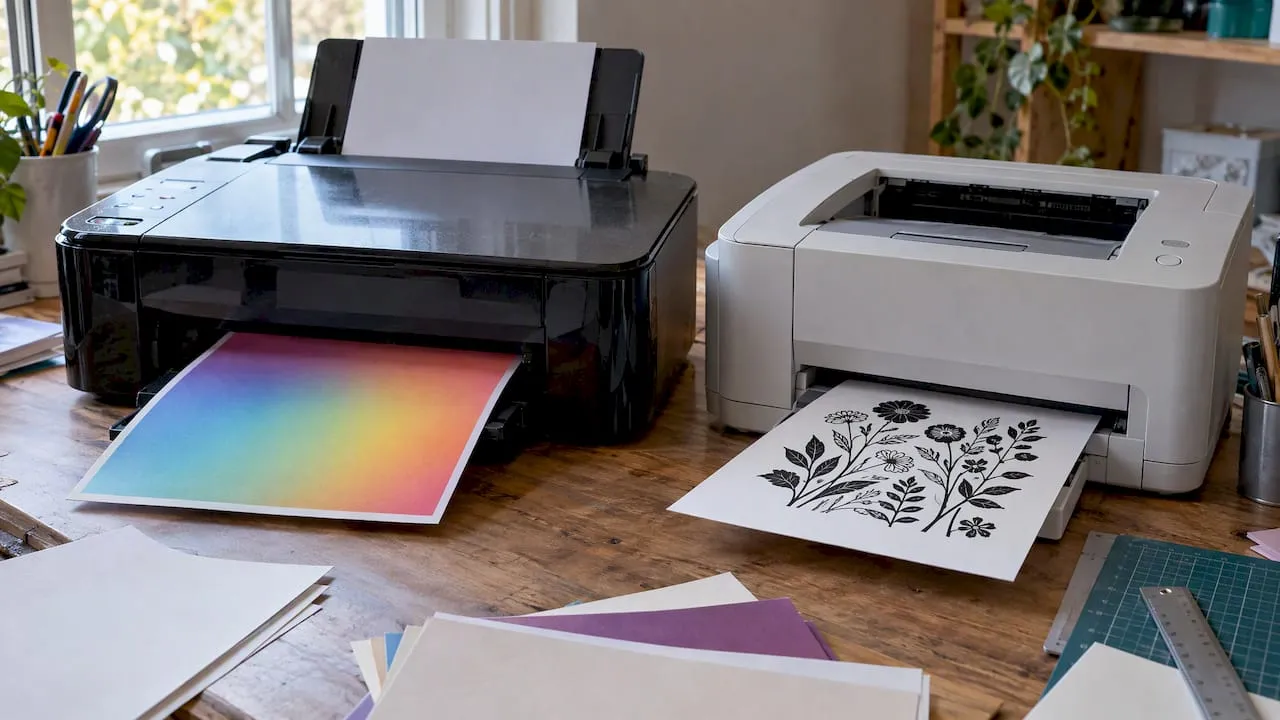
Choose inkjet for photo and colour crafts, choose laser for high-volume sharp text, and choose an ink-tank model if you want low running costs for regular colour work. The real trade-off is between upfront price, cost per page and what you print most. The sections below break down the mechanics, the running costs and the craft-specific settings that make the difference.
TL;DR:
- Standard inkjets can become expensive with regular use; ink tanks cost more upfront, so infrequent color printing may not recover refill savings.
- Laser printers stay ready after idle weeks because toner does not dry out, while cartridge inkjets may clog and trigger wasteful cleaning cycles.
- When loading cardstock, choose the heavy paper setting and check the feed path, because misfeeds can stem from paper handling rather than printer failure.
- Before a full craft batch, print one test sheet and adjust the color profile if colors look too dark, saving paper and ink.
- Laser fusers can warp or scorch some glossy and coated stocks, so check paper compatibility before buying or printing craft designs.
Table of Contents
- How inkjet, laser and ink-tank printers actually work
- Comparing quality, speed, cost, media and upkeep
- Which should you choose: inkjet, laser or ink-tank?
- Why ink-tank printers change the usual trade-offs
- Practical settings and paper tips for craft printables
- Balancing cost, quality and convenience
- Another route: ready-to-print craft designs from Craftsuprint
- FAQ
- Sources
How inkjet, laser and ink-tank printers actually work
Inkjet printers fire tiny liquid droplets onto the page through a set of nozzles, building an image dot by dot. Droplet size and the number of ink colours determine how smooth gradients look, which is why inkjets tend to handle photo tones and craft artwork well. Expert Reviews describes how inkjets place thousands of tiny dots to build resolution, while laser printers use a charged drum that attracts toner powder before a heated fuser bonds it to the paper.
That fusing step is why lasers need a brief warm-up but then hold a steady pace through long jobs, making them well suited to text-heavy printing. Ink-tank printers are a variant of inkjet technology: instead of small cartridges, they use refillable reservoirs filled from bottles, which sharply cuts the cost of each page over time.
The mechanics also explain why inkjet prints can smudge when wet and need a moment to dry, while laser prints come out dry and smear-resistant straight away, which matters if you are stacking finished cards quickly.
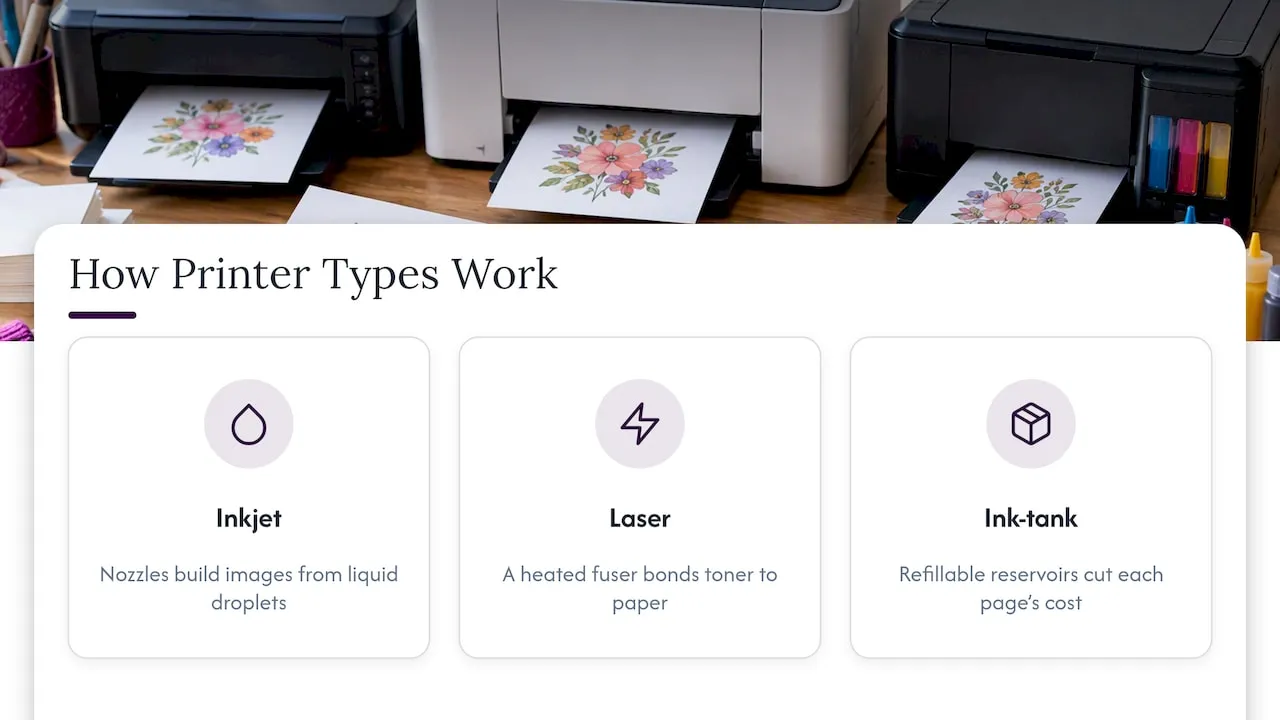
Comparing quality, speed, cost, media and upkeep
Print quality splits cleanly along technology lines. Inkjets and ink-tank machines handle photographs, gradients and the fine colour blends common in craft downloads better than lasers, because liquid ink blends more smoothly across a page. Which? notes that inkjets are typically better for photos and colour work, while lasers produce sharper, more consistent black text and are the stronger choice for office documents.
Speed works differently depending on the job. A laser printer’s first page can take a moment because of the warm-up cycle, but once running it sustains a steady pages-per-minute rate that beats most inkjets on long runs, especially with duplex printing enabled.
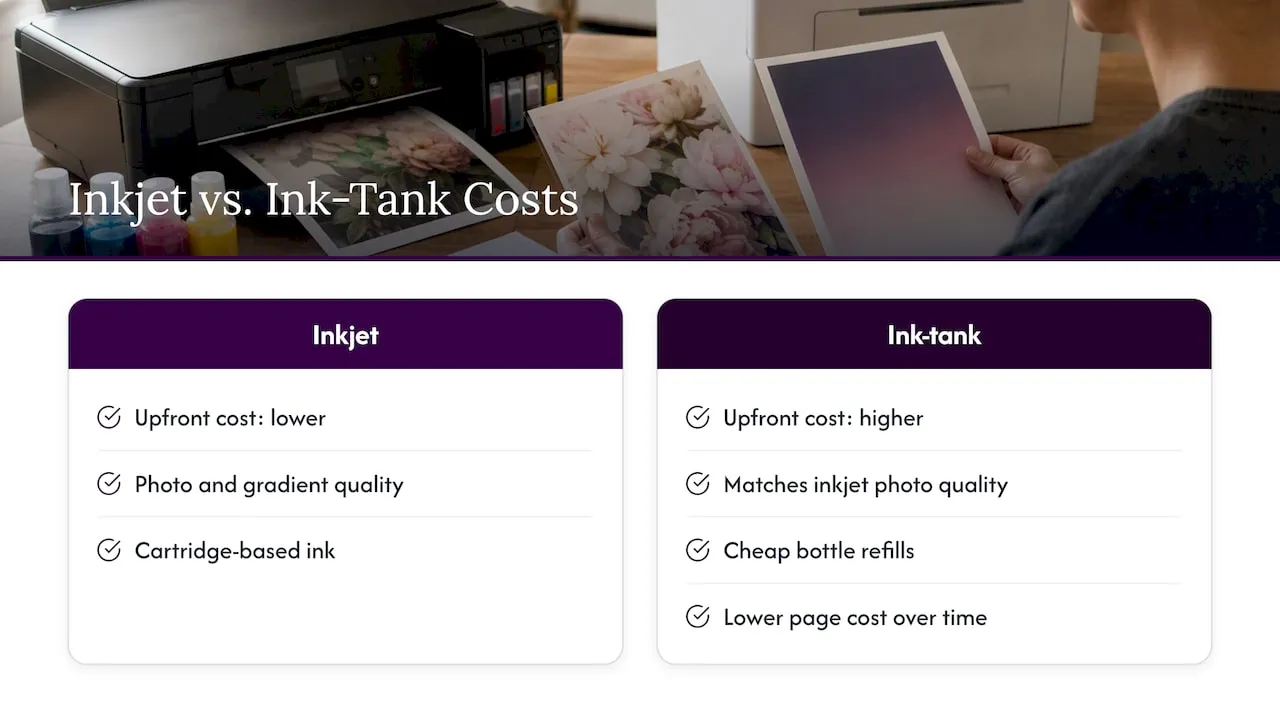
Running costs need a longer view than the price tag on the box. TechRadar explains that standard inkjets are cheap to buy but can become expensive over time unless they’re ink-tank models, while laser printers cost more upfront but usually deliver a lower cost per page thanks to high-yield toner cartridges. Ink-tank printers sit in between, using cheap bottled refills to bring colour printing costs down close to laser territory.
Media compatibility varies too:
- Inkjets and ink-tank printers handle glossy photo paper, heavyweight cardstock and transfer papers well, since the print head can adjust to different surfaces.
- Lasers struggle with some glossy or coated stocks because the fuser’s heat can warp or scorch certain coatings.
- Heavier craft paper may need a straight paper path, which not every printer offers regardless of technology.
Maintenance differs sharply by how often you print. Which? points out that inkjets left unused for weeks can suffer clogged nozzles and wasteful cleaning cycles, while toner doesn’t dry out, so lasers stay reliable even after long gaps between jobs.
A few rules of thumb by monthly volume:
- For low-volume printing, mostly colour or photo work: an inkjet or ink-tank model may suit you best.
- For regular printing, mostly black text: a laser printer may make sense despite its higher price.
- For high-volume printing with mixed colour: an ink-tank printer may offer a lower combined cost.
Pro Tip: If you print in bursts rather than daily, favour a laser or ink-tank model: both tolerate idle weeks far better than a standard cartridge inkjet.
Which should you choose: inkjet, laser or ink-tank?
Your dominant print job should decide the purchase, not the price on the shelf.
- Photo hobbyists and crafters making cards, scrapbook pages or decorative prints benefit from an inkjet’s smooth colour blending and photo-paper handling.
- Home-office users printing mostly black text, letters or forms get more value from a laser printer’s speed and low cost per page.
- High-volume colour users, including small craft businesses printing templates and kits regularly, generally save the most with an ink-tank printer once the higher purchase price is factored in.
Before buying, answer a short checklist: how many pages do you print each month, what media types do you use most (photo paper, cardstock, standard copy paper), do you need automatic duplex printing, and how much desk space and noise can you tolerate? A laser printer’s fuser unit runs warmer and louder than most inkjets, which matters in a small craft room.
Why ink-tank printers change the usual trade-offs
Ink-tank printers refill from bottles rather than cartridges, and that single change reshapes the economics of colour printing. TechRadar describes ink-tank models as a middle ground, offering cheap refills alongside strong colour output, which suits anyone printing colour-heavy craft downloads regularly rather than occasionally.
For photo quality and gradient work, ink-tank printers match standard inkjets since they share the same print-head technology, just with a different ink delivery system. Where they fall short is upfront cost: the printer itself typically costs more than a basic inkjet, and if you print infrequently, you won’t recoup that investment through savings on ink. For anyone printing most days, though, the lower cost per page adds up fast.
Practical settings and paper tips for craft printables
Getting good results from craft downloads is mostly about preparation rather than the printer itself. Print resolution can affect how sharp printable card designs look, and our DPI guide for printables explains how to choose a resolution for larger pieces.
A few settings fixes solve most common problems:
- Set the paper type manually to “cardstock” or “heavy” rather than leaving it on “plain paper” to avoid jams and smudging, as covered in our printer settings guide for card printables.
- Choose pigment inks for pieces meant to last for years, such as framed artwork, and dye inks for everyday cards where vibrancy matters more than longevity, a distinction we unpack in our pigment vs dye ink comparison.
- Check the paper path and grain direction before loading cardstock, since misfeeds are often a mechanical fix rather than a printer fault, detailed in our cardstock feeding fixes.
Pro Tip: Print one test sheet and adjust the colour profile before running a full batch: it saves both paper and ink when colours come out darker than expected, a fix we cover in our guide to printables that come out too dark.
Balancing cost, quality and convenience
No printer handles every job equally well, so the honest approach is to pick for whatever you print most and accept the compromises elsewhere. Run a test print before committing to a big batch, and weigh running costs as seriously as the purchase price, since that’s where the real difference shows up over time. If printing craft downloads is your main use, prioritise colour handling and media compatibility over raw speed.
— Rob
Another route: ready-to-print craft designs from Craftsuprint
If your main goal is finished cards and craft projects rather than printer specifications, we offer card making templates, printable kits and designer resources built to work on common home printers.
Using ready-made downloads from our paper craft and craft supplies ranges can reduce the need to invest in specialised photo printers, since the designs are already prepared for standard inkjet and laser output.
FAQ
What are the downsides of laser printers?
Laser printers struggle with photo-quality colour blending compared with inkjet or ink-tank models, and some glossy or coated papers can warp under the fuser’s heat. They also cost more upfront and take up more desk space due to the toner and drum components.
Are laser printers being phased out?
No, laser printers remain a standard choice for text-heavy and high-volume printing. PCMag notes that the right choice depends on what and how much you print, with modern inkjets closing the gap in some areas rather than lasers disappearing.
What is an inkjet printer?
An inkjet printer builds an image by spraying tiny liquid ink droplets onto paper through a set of nozzles. This method handles photo tones, gradients and colour blends well, which is why it suits craft and photo printing.
Do laser printers need ink cartridges?
No, laser printers use toner cartridges containing fine powder rather than liquid ink. The toner is fused to the paper with heat, which is why laser prints resist smudging straight off the printer.
Which printer is cheaper to run?
It depends on volume and colour use: TechRadar notes that standard inkjets can be expensive over time, lasers usually offer a lower cost per page for text, and ink-tank printers bring colour costs down through cheap bottled refills.
Sources
- Inkjet vs laser vs ink tank: Which printer is right for your business? | TechRadar
- Inkjet vs laser printers: which is best? - Which?
- Best printers 2026, fully reviewed and tested: Our favourite inkjets and lasers for home and office | Expert Reviews