

Secret KingdomCompleted by Taina Kankare
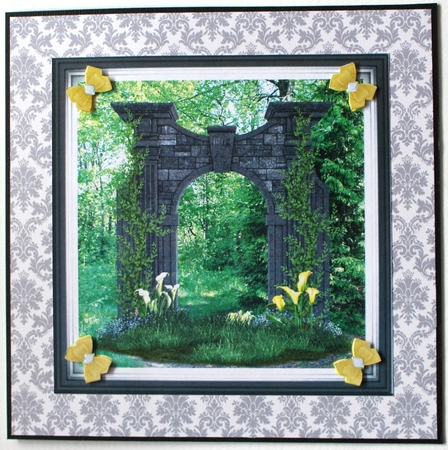
I chose 2. png for my card. I opened Shadow Frame 1. png into my photo editor as a frame. Then I added my own landscape photo as a background. Then I attached the 2. png into the picture.
After this I added four gold kadair. png -bows from Satin giant bows set. I saved my file and printed it out. I cut the topper out and attached it on a patterned piece of paper. Next I attached my card front on a black textured paper. Now I had finished my card front and attached it on a green base card.
I printed the file for another time and cut the ribbon bows for decoupage levels. As a finishing touch I added some glossy accent into the bow centers.

Make your Own, Buy the Download!
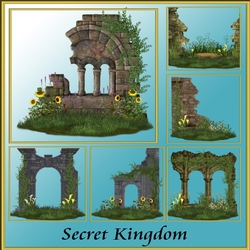
Secret Kingdom
Secret Kingdom is a collection of 6 fantasy scenes in PNG format all files are on a transparent background making it easy for you to simply drop into your designs high quality scenes for all your desi ... Read More