

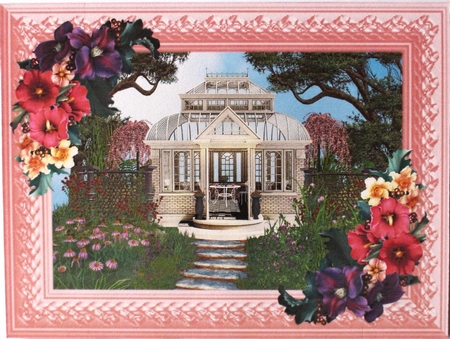

Garden Conservatory 3d Element GraphicsCompleted by Taina Kankare
OccasionI opened the Garden Conservatory building file into my photo editor. Then I added a landscape background picture. After this I started to build the front of the picture. I added a fence element on both sides of the building. Then I added the stairs.
After this I added foliage and flowers on both sides of the stairs. Next I added cherry trees and some foliage on top of the background picture. I found a tall rose vase, so I added one on both sides of the door. After this I started to add furniture inside the building.
On top of the table I added two juice glasses and a flower pot. Then I added the pink frame and flower vignettes into two opposite corners. I saved the file and printed the sheet. I cut the topper out and attached it on a pink tent fold base card.
