

Frosted Edge Sentiment TagsCompleted by Taina Kankare
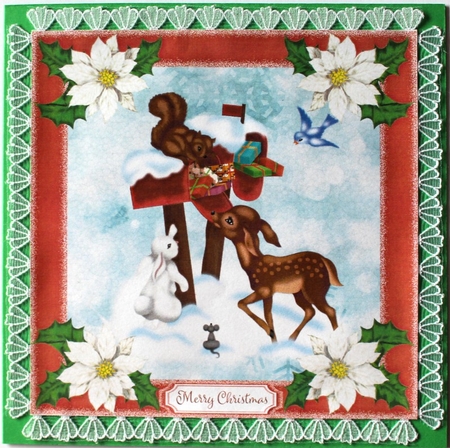
OccasionI opened the red tag from the Frosted Edge Sentiment Tags set into my photo editor. Then I added a red frame from the Frosted Edge Frame set. After this I added the scenery in the middle of the card. Next I added the snowflake background.
I re-coloured a part of a vignette and modified it to be a white poinsettia with three green holly leaves.
I attached it into all four corners. I also added a sentiment into the tag. Then I saved the file and printed the sheet. I cut the topper out and attached a white lace all around the topper.
After this I attached the topper on a green base card leaving a narrow border. I am going to add decoupage to the poinsettias later on.

Make your Own, Buy the Download!
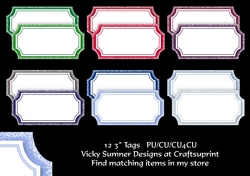
Frosted Edge Sentiment Tags
12 shades saved at 3" 150 dpi PNG PU/CU/CU4CU allowed when used as an embleishment in your own work TOU included in the file