

Stunning design elementsCompleted by Taina Kankare
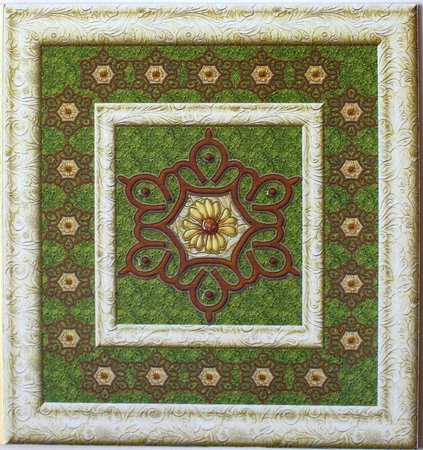
OccasionI opened one of the Stunning design elements files into my photo editor and started to play. I had no idea what I was going to do. Then I noticed a thick frame I had bought. I opened it and adjusted the element to fit into the aperture of that three-part frame. Next I added some background paper into the middle of the element and the green background paper into the aperture. I also added a flower in the middle. The frame looked like so massive, that I re-colored the mid part with the same pattern I had used in the aperture. After this I made smaller copies of the design elements and added them into the mid frame area.
I saved the file and printed the sheet. I cut the topper out and attached it on a green base card. I decorated the card using glossy accent. I am still thinking of adding some more decoration.

Make your Own, Buy the Download!
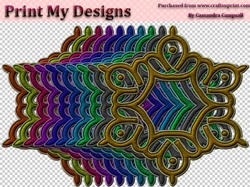
Stunning design elements
These designer resources will save you having to create one every time you need one, and of course, can be resized to suit your needs. Commercial or personal use allowed.