

Decortive Metallic FramesCompleted by Taina Kankare
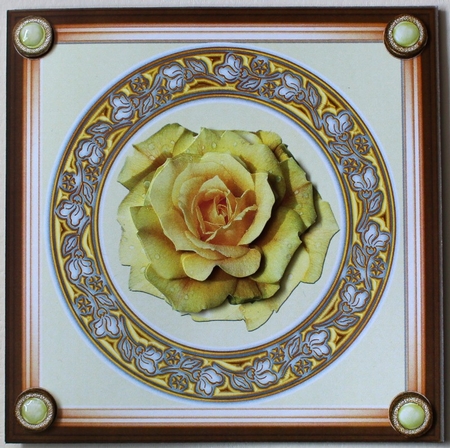
I opened the 1. png from Decorative Metallic Frames into my photo editor and dropped it in an empty sheet.
Then I loaded the file Shadow Frame 5. png and attached it into my card. I coloured the background cream yellow.
Then I attached double rose . png from Yellow rose and Peace rose set into the middle of my card front.
I also attached the decoupage levels into the sheet. Next I loaded 4. png from gold vintage brads and copied it into all four corners and also to the side of the sheet.
After this I saved my sheet and printed it.
I cut out the topper and attached it on a beige base card. Then I cut out the rose decoupage levels and extra vintage brads and decorated my card with them. As a final touch I added some glossy accent into the brads.

Make your Own, Buy the Download!
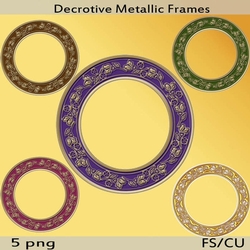
Decortive Metallic Frames
5 pretty frames each design has gold details around the edge comes in brown, green, red, purple, gold PNG format perfect for all your female designs