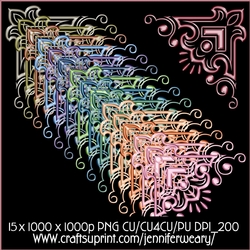



Unique Corners 12Completed by Taina Kankare
OccasionI opened a green corner file from the Unique Corners 12 kit into my image editor. Then I added the outer frame and adjusted the color. After that I copied the corner three times and positioned in suitable places in the corners of the square frame. Next I added a shaped inner frame and adjusted the color.
I added a leaf pattern as a background for the frame. I cut the pattern away from the inner frame aperture and added a marble paper instead. I adjusted the color again. Next I added the yellow vintage rose bouquet in the middle and copied the resized mini versions into all four corners.

Make your Own, Buy the Download!
Unique Corners 12
Here we have a lovely set of 15 corners to be used in your craft projects No drop shadows only on previews Please dont share or sell my designs as is Please do not recolor Please give me credit ... Read More