
Discover digital scrapbooking: Techniques and creative ideas
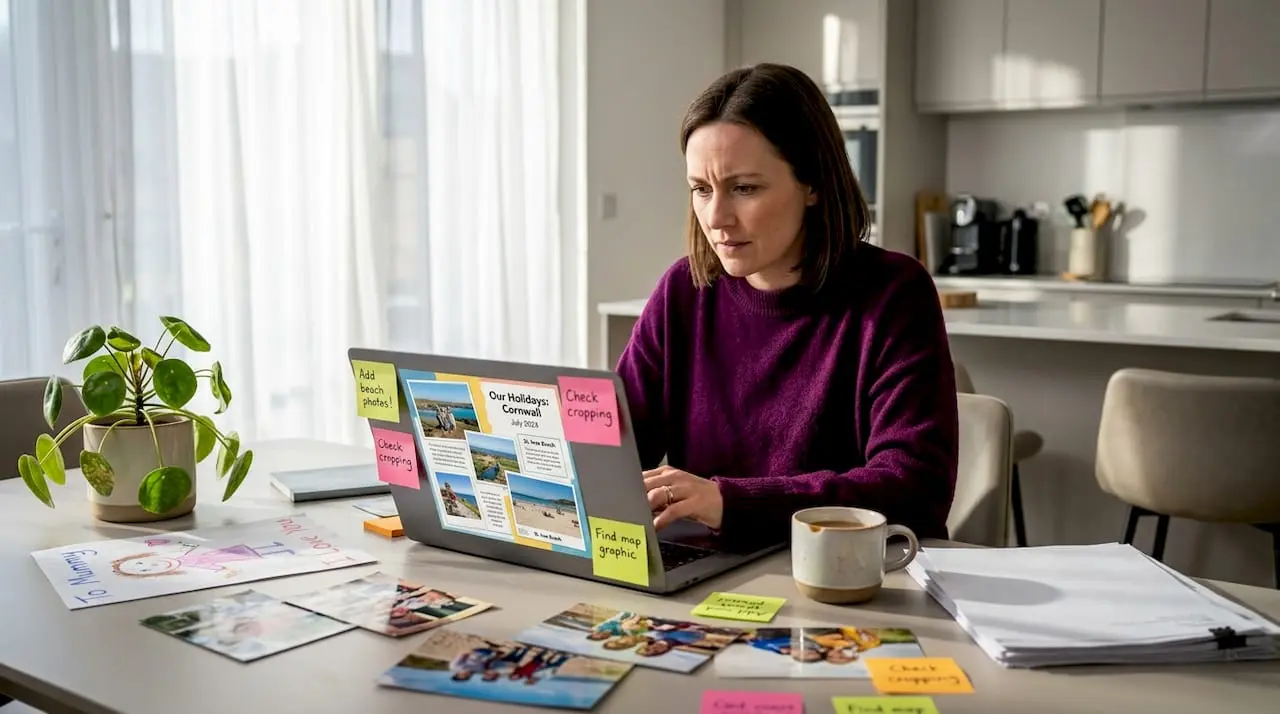
Scrapbooking has always been about preserving memories, but somewhere along the way, many crafters assumed it had to mean glue-covered fingers, piles of patterned paper, and a dedicated room just for supplies. That assumption is worth challenging. Digital scrapbooking has quietly grown into a thriving creative discipline that lets you design beautiful, layered memory pages entirely on a screen, with no mess, no storage headaches, and no limits on undoing a mistake. Whether you are completely new to crafting or a seasoned paper crafter curious about going digital, this guide covers the techniques, tools, and creative possibilities waiting for you.
Table of Contents
- What is digital scrapbooking?
- Key mechanics and steps of creating digital scrapbook layouts
- Advanced techniques and creative effects
- Digital vs. traditional scrapbooking: A comparison
- Market trends and resources for digital scrapbooking
- A new era for creative memory keeping: Editorial perspective
- Take your digital scrapbooking skills further
- Frequently asked questions
Key Takeaways
| Point | Details |
|---|---|
| Digital vs traditional | Digital scrapbooking offers convenience and creative flexibility, though lacks the tactile joy of traditional methods. |
| Layering and effects | Mastering layering, blending, and embellishing elevates your digital layouts to new creative heights. |
| Market trends | The market for scrapbooking supplies is growing, with digital kits increasingly popular among crafters. |
| Accessible resources | A wealth of digital supplies and tutorials make digital scrapbooking easy to start for beginners and experts alike. |
What is digital scrapbooking?
Digital scrapbooking is the art of creating memory pages, photo layouts, and decorative albums using software rather than physical materials. Instead of cutting paper and sticking down embellishments by hand, you arrange digital files on a virtual canvas. The result looks remarkably similar to a handcrafted page, and many digital layouts are so detailed that it is genuinely difficult to tell them apart from their physical counterparts.
The scope of digital scrapbooking is broader than most people realise. You can create single commemorative pages, full albums, photo books destined for professional printing, social media graphics, and even animated memory videos. The tools range from free applications like Canva and Google Slides through to professional-grade software like Adobe Photoshop and Affinity Photo. There are also dedicated scrapbooking programs such as Scrapbook MAX and Memory Mixer designed specifically for this craft.
When comparing digital to traditional scrapbooking, the differences go beyond just the medium. Traditional scrapbooking rewards the tactile experience. You feel the texture of cardstock, smell the adhesive, and see real ribbon curl around a photograph. Digital scrapbooking trades that sensory richness for a different set of freedoms. You can explore digital scrapbooking kits containing hundreds of coordinated elements that would cost a fortune to source physically, all available to download instantly.
The key advantages and limitations are worth laying out clearly:
- Unlimited undo: Every change is reversible, which removes the fear of ruining a precious photograph or an expensive piece of patterned paper
- No storage required: Digital files take up no physical space, meaning you can accumulate thousands of design elements without a single storage box
- Reusable supplies: A digital ribbon or frame can be used on every page you ever create without being consumed
- Easy sharing and backups: Finished pages can be emailed, shared on social media, or stored safely in cloud services
- Faster workflow: Resizing, recolouring, and repositioning take seconds rather than minutes
That said, digital pros and cons are genuine on both sides. Digital scrapbooking lacks the tactile feel of physical crafting, requires a device and some learning time, and involves extended screen time, which is not for everyone.
“The magic of digital scrapbooking is not that it replaces the joy of making things by hand, it is that it removes every barrier that ever stopped you from starting.”
Key mechanics and steps of creating digital scrapbook layouts
Understanding the practical process transforms digital scrapbooking from an abstract concept into something you can actually sit down and do today. The step-by-step layout process follows a logical sequence that builds a finished page from the ground up.
- Set up your canvas. Open your software and create a new document. The standard size for a scrapbook page is 12 by 12 inches at 300 DPI (dots per inch). The 300 DPI setting ensures your page is sharp enough to print at high quality without pixelation.
- Add a background paper. Import a digital background paper file onto your canvas. This sets the visual tone for the whole layout, whether that is a soft floral pattern, a bold geometric design, or a simple textured card.
- Place and layer your photographs. Drag your chosen photos onto the canvas. Resize and reposition them thoughtfully. Think about which image is the focal point and give it the most prominent placement.
- Add embellishments. This is where finding digital embellishments becomes exciting. Frames, stickers, ribbons, buttons, and decorative elements are layered on top of your photos to create visual interest and personality.
- Apply drop shadows. A drop shadow is a subtle darkening effect placed beneath an element to make it appear slightly raised from the surface beneath. Even a gentle shadow adds significant realism and depth.
- Insert titles and journalling. Add text using fonts that suit your layout’s mood. Journalling means the written words that record the story behind the photos, dates, names, and personal notes that give a scrapbook its lasting value.
- Save and export. Save a layered version of your file in your software’s native format so you can edit it later. Then export a flattened JPEG or PDF for sharing online or sending to a print service.
| Step | Key action | Recommended setting |
|---|---|---|
| Canvas setup | Create new document | 12x12 inches, 300 DPI |
| Background | Import paper file | Full canvas coverage |
| Photos | Place and resize | Focal image largest |
| Embellishments | Layer decorative elements | Above photos in layer order |
| Drop shadows | Apply to raised elements | Opacity 30 to 50% |
| Text | Add title and journalling | Font size 12pt minimum |
| Export | Save final file | JPEG or PDF at 300 DPI |
Pro Tip: Name each layer as you create it. When you have 20 or 30 layers on a single layout, descriptive names like “blue ribbon” or “main photo” save enormous amounts of time when you need to find and adjust a specific element later.
Advanced techniques and creative effects
Once you have mastered the basic workflow, the creative possibilities expand considerably. Advanced techniques are what separate a competent digital layout from one that genuinely stops people in their tracks.
Layering for depth is the most fundamental advanced skill. Think of your canvas as a stack of transparent acetate sheets. Layering for 3D effect works by placing background papers at the bottom, photos in the middle layers, and embellishments at the top. This hierarchy creates a sense of physical dimension even on a flat screen.
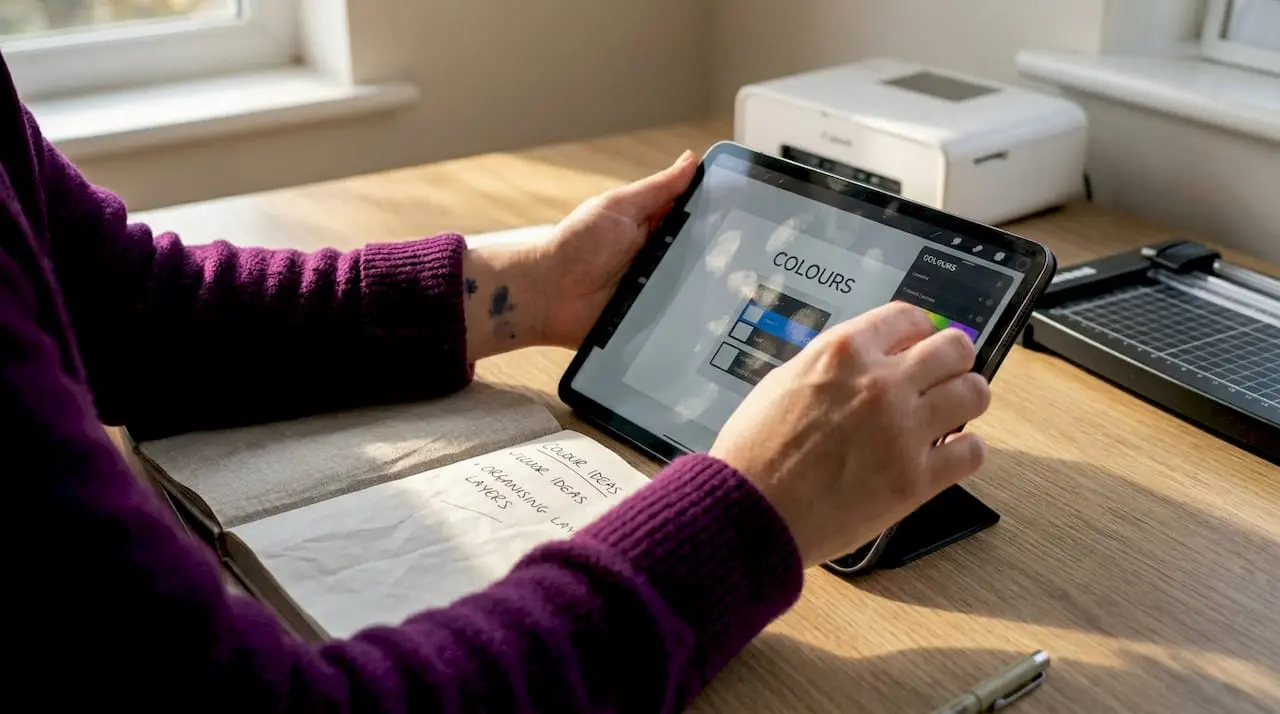
Blending modes are another powerful tool. Most image editing software assigns a blending mode to every layer, controlling how that layer interacts with the ones beneath it. The “Multiply” mode darkens overlapping areas, making it useful for creating shadowed textures. “Screen” lightens, which works beautifully for adding light leaks and soft glows. “Overlay” increases contrast and colour saturation, useful for making photos feel more vivid and present.
Here are the key advanced techniques worth practising:
- Clipping masks: Attach a photo or pattern to the exact shape of an element below it. Place a photo clipped to a star shape, for instance, and the image shows through only where the star exists
- Pattern overlays: Apply a subtle texture such as linen or watercolour wash over a photo or background to add artistic depth without obscuring the underlying image
- Recolouring elements: Use Hue and Saturation adjustments or colour fill layers to change the colour of any digital element to match your page’s palette perfectly
- Artsy effects with transfers: Overlaying semi-transparent washes, paint strokes, or word art creates mixed media effects that mimic real art journal techniques
- Multimedia integration: Combining photography with downloadable multimedia elements such as illustrated icons, hand-drawn doodles, or watercolour splashes produces genuinely unique layouts
Pro Tip: When adding drop shadows, adjust the angle consistently across all elements on a page. If your shadows suggest light coming from the top left, every element’s shadow should fall to the bottom right. Inconsistent shadow angles are one of the most common tells that a layout was created digitally rather than physically.
Digital vs. traditional scrapbooking: A comparison
Choosing between digital and traditional scrapbooking is rarely a permanent decision, and understanding the distinctions helps you make choices that suit your lifestyle, budget, and creative goals.
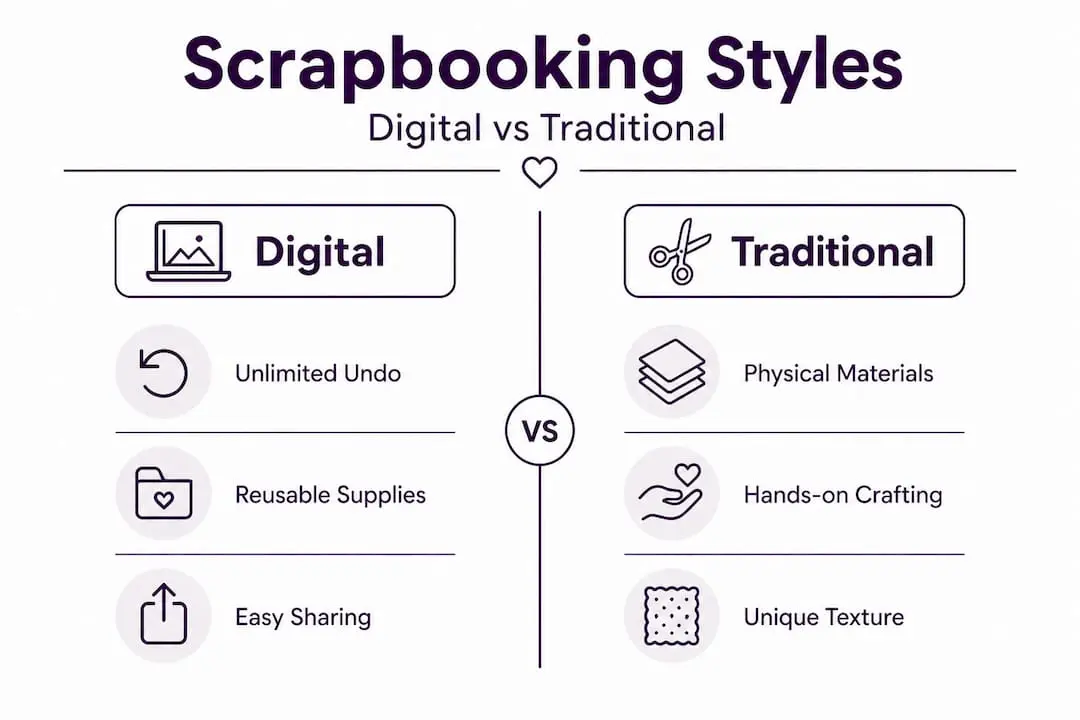
| Factor | Digital scrapbooking | Traditional scrapbooking |
|---|---|---|
| Cost over time | Lower (reusable files) | Higher (consumable supplies) |
| Storage space | None required | Dedicated storage needed |
| Tactile experience | None | Rich sensory involvement |
| Editing flexibility | Unlimited undo and revision | Changes can damage originals |
| Sharing ease | Instant digital sharing | Physical or photographed |
| Learning curve | Software skills needed | Basic craft skills needed |
| Printing quality | Professional print services available | Handmade finish |
The pros and cons of digital show clearly that neither approach is objectively superior. Digital wins on practicality, flexibility, and cost efficiency over time. Traditional wins on sensory engagement, the pleasure of working with your hands, and the irreplaceable quality of handwritten journalling.
“Many of the most passionate scrapbookers practise both approaches, choosing the method that feels right for each particular project rather than committing to one exclusively.”
A hybrid approach is particularly popular among experienced crafters. This might mean designing a layout digitally, printing it, and then adding physical embellishments like real ribbon or pressed flowers. Or it might mean photographing a traditionally made layout and combining it with digital elements to create a composite piece. The hybrid method genuinely offers the best of both worlds for those willing to experiment.
Points to consider when deciding which approach suits you:
- How much physical space do you have available for craft supplies?
- Do you prefer working at a desk with materials or sitting with a tablet or laptop?
- Are your finished pages primarily for display, sharing online, or printing into albums?
- How important is the actual making process versus the finished result?
Market trends and resources for digital scrapbooking
Digital scrapbooking is not a niche hobby quietly fading away. The wider scrapbooking market is experiencing real, measurable growth that reflects sustained consumer interest. The global scrapbook supply market was valued at USD 3.18 billion in 2024 and is forecast to grow at a compound annual growth rate of 4.6%, reaching USD 4.79 billion by 2033. Within that figure, the baby scrapbook kits segment alone was worth USD 1.26 billion in 2024, with a projected CAGR of 6.4% through to 2033.
These numbers reflect something important. Scrapbooking is not a passing trend. It is a sustained creative practice that continues to attract new participants, and digital tools are a significant part of why the market keeps growing. Lower entry costs, easier access to supplies, and the ability to share finished work instantly online all lower the barriers that once kept potential crafters away.
| Market segment | 2024 value | Projected 2033 value | CAGR |
|---|---|---|---|
| Global scrapbook supplies | USD 3.18 billion | USD 4.79 billion | 4.6% |
| Baby scrapbook kits | USD 1.26 billion | USD 2.19 billion | 6.4% |
Where to find what you need for digital scrapbooking:
- Dedicated craft platforms: Specialist sites offer curated craft supplies and kits including themed collections, coordinated papers, and embellishment sets designed specifically for digital layouts
- Designer marketplaces: Independent designers sell unique digital kits covering every imaginable theme, from seasonal celebrations to travel and family milestones
- Free resource communities: Many online communities offer weekly freebies, giving beginners a low-risk way to build a collection of digital supplies before investing in paid products
- Tutorial libraries: Video tutorials and written guides help crafters learn specific techniques, from basic layout construction to advanced blending and masking skills
The digital integration into mainstream crafting is also reflected in how traditional craft retailers now stock digital products alongside physical supplies. The crossover is real and growing.
A new era for creative memory keeping: Editorial perspective
Here is an honest perspective on something the wider crafting conversation often gets wrong. The debate about whether digital scrapbooking is “real” scrapbooking is a false one, and it has probably discouraged more people from starting than it has helped.
The tactile versus digital debate tends to frame things as a competition, with traditionalists insisting that real crafting requires physical materials and digital enthusiasts pointing to convenience and flexibility. Both camps make valid points. Neither is entirely right.
What actually matters is whether you are creating something that holds meaning for you and the people you love. A beautifully designed digital page that captures your child’s first birthday, printed and tucked into an album, carries exactly as much emotional weight as one assembled with cardstock and rubber stamps. The medium does not determine the meaning.
The more interesting conversation is about what happens when crafters stop treating digital and traditional as opposing forces and start treating them as a toolkit. The most creative work often happens at the edges, where a digitally designed background meets a physically stitched border, or where a scanned watercolour painting becomes a texture overlay on a digital layout. That willingness to experiment, to borrow from both worlds without loyalty to either, produces the most interesting and personal work.
There is also something worth saying about accessibility. Digital scrapbooking removes physical barriers that genuinely exclude people. Those with limited mobility, small living spaces, tight budgets, or health conditions that make handling materials difficult can still participate fully in a creative practice that matters enormously to them. That is not a lesser version of scrapbooking. It is simply a different and equally valid one.
Our view is that the future of creative memory keeping is deliberately hybrid. Crafters who embrace both digital and traditional approaches, choosing tools based on each project’s specific needs rather than ideological loyalty, will consistently produce the most satisfying and meaningful work.
Take your digital scrapbooking skills further
Ready to put these techniques into practice? Building a strong collection of quality digital assets makes an enormous difference to how quickly your layouts come together and how polished the results look.
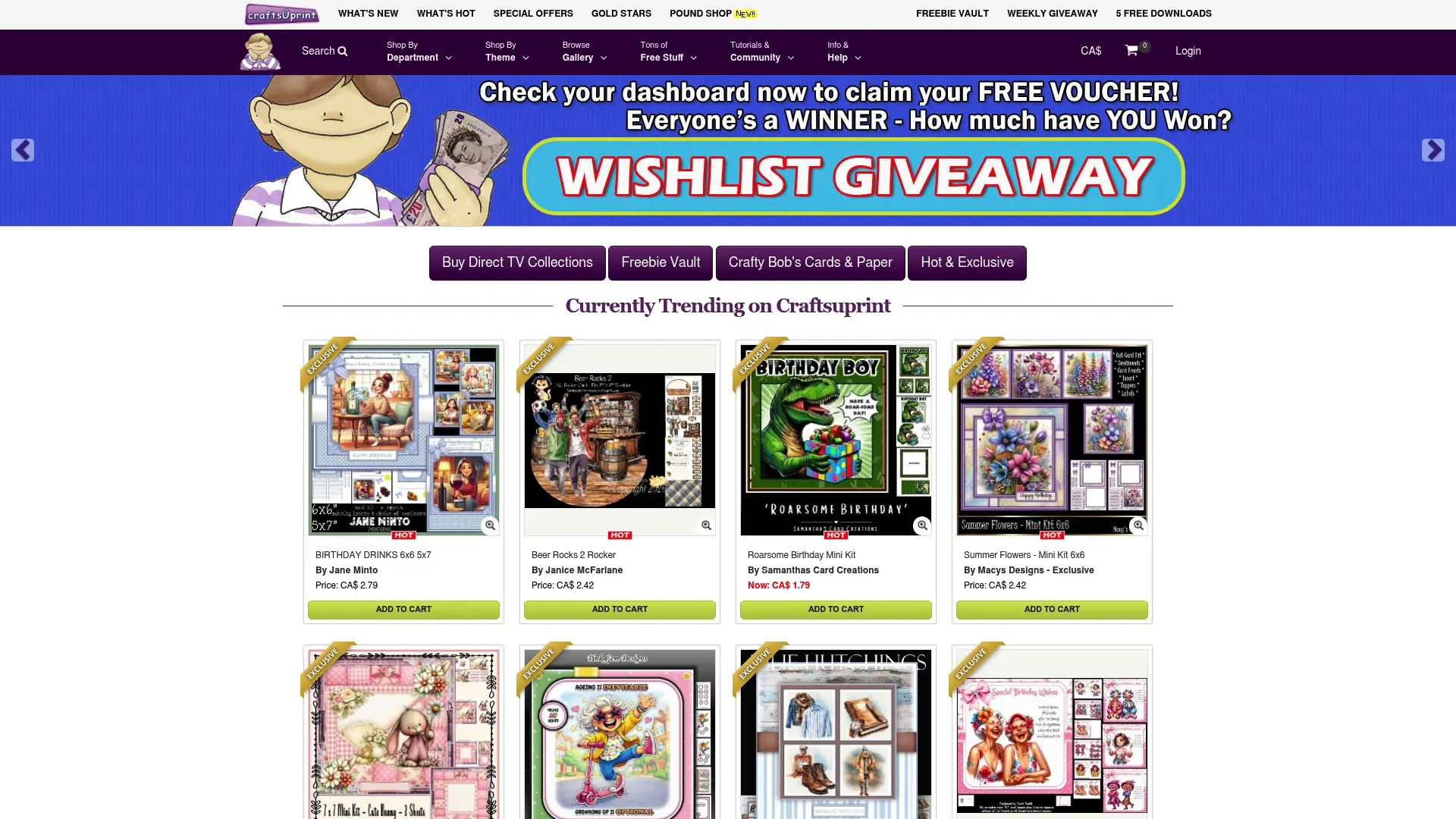
At Craftsuprint, you will find an extensive range of digital scrapbooking supplies including themed kits, coordinated paper collections, and embellishment sets created by independent designers who understand what crafters actually need. Whether you are working on a family album, a travel journal, or a seasonal memory page, there are downloadable resources to suit every project style and skill level. New products are added regularly, and the platform features tutorials and inspiration to support crafters at every stage of their creative journey.
Frequently asked questions
Is digital scrapbooking difficult for beginners?
While there is a learning curve with any new software, most digital scrapbooking tools and kits are designed with accessibility in mind, and a wide range of tutorials are available to guide newcomers through every stage.
Can I print my digital scrapbook pages?
Yes, digital layouts can be exported in print-ready formats such as high-resolution JPEG or PDF files, making them suitable for professional printing services or home printing.
What are the advantages of digital over traditional scrapbooking?
Digital scrapbooking offers unlimited undo, no mess, reusable supplies, and straightforward digital sharing, though it does not replicate the hands-on tactile satisfaction of working with physical materials.
Where can I find digital scrapbooking kits and embellishments?
Dedicated craft supply platforms and designer marketplaces offer a wide selection of downloadable kits, coordinated paper collections, and embellishment sets suited to every scrapbooking theme and skill level.