
Card sketch templates: printable, measured layouts for UK crafters
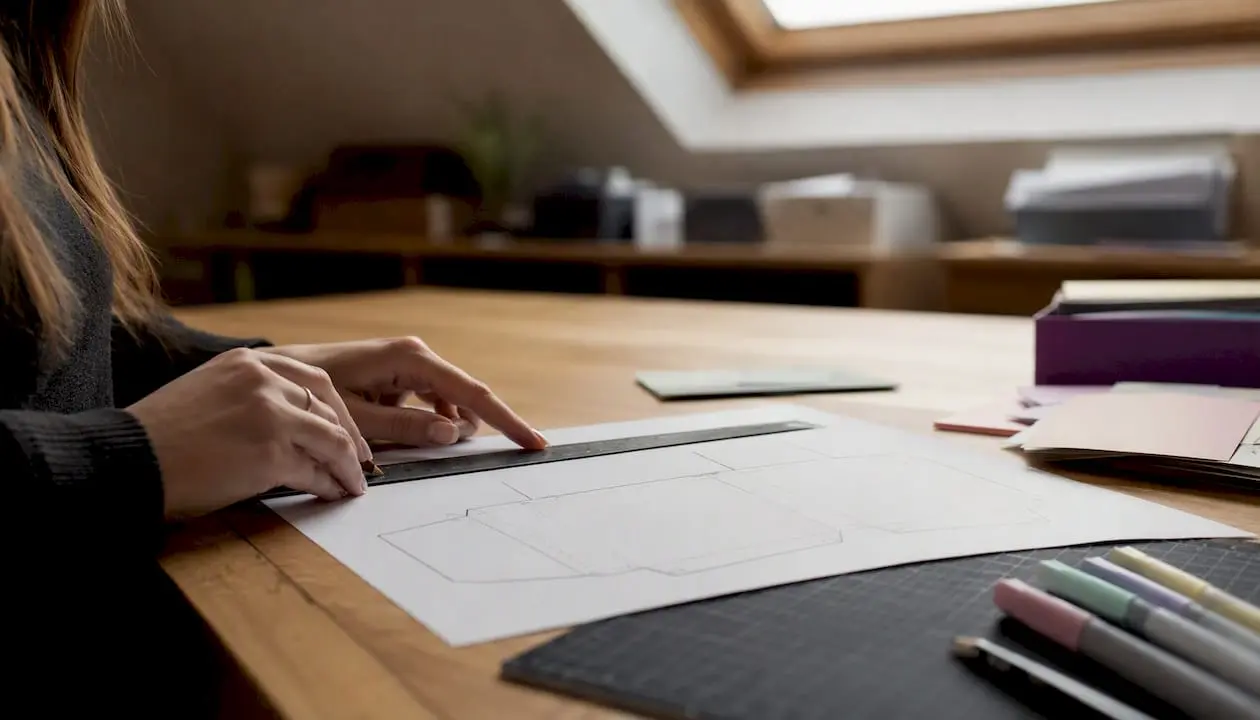
Ready-to-print, measured card sketch templates are available directly from Craftsuprint’s Card Creator, where you can design, download and print layouts in PDF, SVG or PNG format, complete with dimensions for card bases, mats and image panels. Free printable options also exist from sources such as Altenew and Whimsy Stamps.
Quick download options:
- Craftsuprint Card Creator — design your own measured template or download a blank card layout in PDF or SVG, ready to print to scale
- Altenew free sketch pack — printable PDF with multiple portrait and landscape sketches, set up to print at actual size (100%)
- Whimsy Stamps free printable — a variety of sketch layouts adaptable to different stamps, dies and patterned papers
- Simply Simple Stamping — step-by-step sketches with explicit layer and panel measurements in imperial units (convert to mm for UK stock)
File types at a glance: PDF for print-to-scale, SVG for cutting machines and digital editing, PNG or JPEG for quick on-screen reference.
Key takeaways
Printable, measured card sketch templates remove the guesswork from handmade card design: download in PDF for home printing, verify the scale with a ruler, then cut and layer to the stated dimensions.
| Point | Details |
|---|---|
| Download in the right format | Use PDF for print-to-scale accuracy; SVG for cutting machines such as Cricut or Silhouette. |
| Always print at 100% | Set your printer to “actual size” and verify one panel measurement with a ruler before cutting good cardstock. |
| Know your UK card sizes | A6 (148 × 105 mm) is the standard UK greeting card blank; DL (210 × 99 mm) suits slimline designs. |
| One sketch, many cards | Rotating, flipping or swapping papers from a single template reliably produces distinct finished cards. |
| Craftsuprint for measured templates | The Card Creator and downloads area provide PDF and SVG templates sized for UK card blanks, with free member gifts available. |
Table of Contents
- What a card sketch template is and why crafters use one
- Where to find free printable card sketch templates
- Card sketch measurements and common UK card blank sizes
- Which file format should you print from?
- How to turn a card sketch into a finished card
- How one sketch can give you six different cards
- Paper weights, adhesives and tools that work with measured templates
- How to draw your own measured card sketch
- What Craftsuprint offers: downloads, Card Creator and printable packs
- A practitioner’s note on using templates in real projects
- Craftsuprint: your next download is one click away
- Sources
- FAQ
What a card sketch template is and why crafters use one
A card sketch is a visual layout map: a simple line drawing that shows where each element sits on a finished card. It marks the focal panel (the main image or die-cut), mat layers, sentiment strip and any embellishments, but leaves the specific papers, colours and stamps entirely up to you. Think of it as a floor plan for a card rather than a finished design.
Three reasons crafters reach for a sketch before they pick up scissors:
- Speed. A sketch removes the blank-page paralysis. You know the proportions before you cut a single piece of cardstock.
- Reproducibility. The same sketch used ten times with different papers produces ten distinct cards, all structurally sound.
- Creative variation. Rotating or flipping the sketch, as Whimsy Stamps demonstrates, often yields a dramatically different result with minimal extra cutting.
Key visual concepts you will see on any sketch:
- Focal panel — the largest or most prominent element, usually an image or die-cut
- Mat/layer — a slightly larger piece of paper behind the focal panel that creates a coloured border
- Sentiment placement — a marked zone for a stamped or printed greeting
- Negative space — the visible card base around the layers, which gives the design room to breathe
- Rotation/flip indicator — an arrow or note showing that the sketch works in multiple orientations
Where to find free printable card sketch templates
Several reputable sources offer free printable card sketches, and the quality varies more than you might expect.
- Craftsuprint — the Create & Craft downloads area includes periodic free gifts and downloadable packs for members, alongside the Card Creator for building measured templates from scratch. The hosted files are PDF and SVG, formatted for home printing.
- Altenew — their free PDF sketch pack covers both portrait and landscape orientations and is set up to print at 100% actual size, with print instructions and paper-weight guidance included. A reliable starting point for beginners.
- Whimsy Stamps — a free printable collection of sketch ideas with explicit guidance on rotating and swapping elements to multiply the number of cards you can make from one layout.
- Simply Simple Stamping — two separate free resources, each showing one sketch interpreted as two distinct finished cards, with measurement callouts for base, layers and stamped panels. The measurements are in inches, so UK crafters will need to convert (see the table below).
- Aubree Originals — demonstrates that a small set of repeatable layout formulas produces consistent results, and includes measured examples for cutting and layering.
Pro Tip: Before cutting into good cardstock, print the template onto plain paper and measure one panel with a ruler. If it matches the stated dimensions, your printer is calibrated correctly.
Card sketch measurements and common UK card blank sizes
Most free templates online are drawn for US letter or A2 card sizes. UK crafters typically work with metric sizes, so knowing the equivalents saves a lot of recalculating.
Reading template measurements: a well-drawn sketch labels three tiers. The outer card base is the largest number. Mats sit 3–6 mm inside that on each side. Image panels sit a further 3–5 mm inside the mat. When you scale a US-letter-based template to UK A6, reduce each dimension proportionally rather than just trimming the edges, or the visual balance shifts.
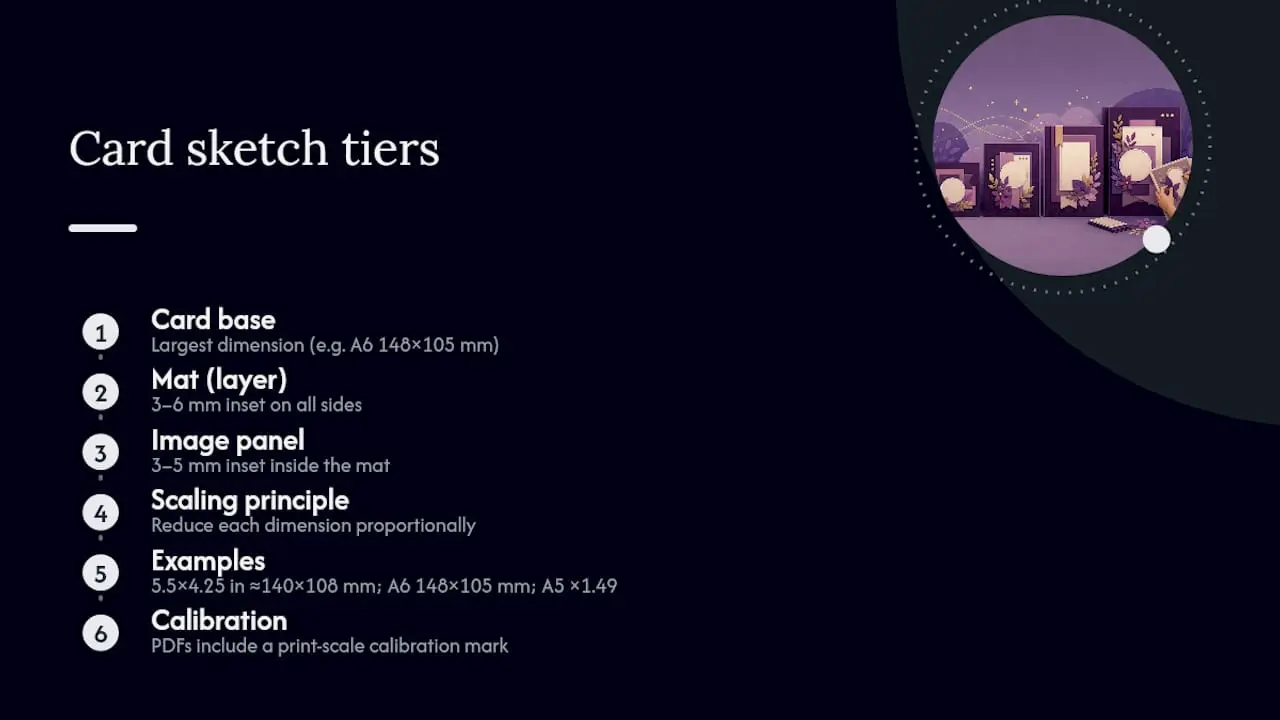
Scaling tip: if a US template specifies a 5.5 × 4.25 in card base, that is approximately 140 × 108 mm. An A6 base (148 × 105 mm) is close enough that you can use the same layer offsets without recalculating. For A5, multiply each US dimension by roughly 1.49 to maintain the same proportions.
Pro Tip: Altenew’s printable PDF sketches include a calibration mark so you can confirm the file printed to the correct scale before cutting into expensive cardstock. Look for a similar mark on any template you download.
Which file format should you print from?
Choosing the right file type before you download saves time at the printer and at the cutting machine.
- PDF — the best choice for printing to scale at home. PDFs preserve dimensions exactly, and setting your printer to “actual size” or 100% guarantees the measurements on the page match the measurements in the file. This is the format Altenew uses for their free sketch packs.
- SVG — the format to choose if you use a cutting machine such as a Cricut or Silhouette. SVG files are vector-based, so they scale without losing quality and can be imported directly into cutting software for precise die-cut layouts.
- PNG or JPEG — useful for quick on-screen reference or for importing into a digital design app, but not reliable for print-to-scale work because image resolution and printer settings can shift the dimensions.
Printing checklist:
- Open the PDF in Adobe Acrobat Reader or your system’s default PDF viewer.
- Select “Print” and choose “Actual size” or “100%” — never “Fit to page” or “Shrink to fit”.
- Confirm the paper size in the printer dialogue matches the paper loaded (A4 for most UK home printers).
- Check orientation (portrait or landscape) before sending to print.
- Print a test copy on plain paper and measure one panel with a ruler before using good cardstock.
Plain paper for scale tests, then move to your chosen cardstock weight for the final template sheet you will keep in your binder.
How to turn a card sketch into a finished card
This workflow takes a sketch from screen to finished card in a single session. Aubree Originals shows that a simple, repeatable process reliably produces attractive results, even for beginners.
- Choose your size and print the template (5 minutes). Pick a sketch that matches your card blank size or the closest UK equivalent. Print at 100% and verify one measurement with a ruler.
- Map your layers and select papers (5–10 minutes). Lay the printed sketch on your desk and place paper swatches over each zone. Decide on a colour palette and note which patterned paper goes where before you cut anything.
- Cut card base and layers to measurement (10–15 minutes). Use a paper trimmer for straight cuts. Score and fold the card base with a bone folder for a crisp edge.
- Dry-fit all elements (2–3 minutes). Place every piece on the card base without adhesive. Adjust spacing if anything looks off. This step catches mistakes before glue is involved.
- Adhere layers and focal panel (5–10 minutes). Work from the bottom layer up. Use foam pads under the focal panel for dimension; flat adhesive for background layers.
- Add sentiment and embellishments (5–10 minutes). Stamp, print or die-cut your sentiment and position it in the zone marked on the sketch. Add any finishing touches: gems, ribbon, ink blending on edges.
- Final check and photograph (2 minutes). Check that all edges are adhered and the card opens cleanly. Photograph the finished card alongside the sketch for your records.
Quick variation ideas: swap the focal panel from a stamped image to a die-cut shape for a cleaner look; flip the sketch 90° for a landscape version; replace a patterned paper mat with a solid-colour one to shift from busy to calm.
How one sketch can give you six different cards
Simply Simple Stamping demonstrates exactly this: one sketch, two finished cards that look nothing alike. Extend that principle and a single template becomes a small collection.
- Clean and simple — use the sketch as drawn, with one patterned paper and one solid mat. No embellishments beyond a stamped sentiment. The negative space does the work.
- Layered elegance — add a second mat in a contrasting colour and replace the stamped image with a die-cut floral. The sketch structure stays identical; the materials do all the visual lifting.
- Shaker window — cut the focal panel zone as a window, back it with acetate and fill with sequins before sealing. The sketch tells you exactly where the window sits.
- Rotated landscape — turn the sketch 90° and suddenly a portrait card becomes a wide, panoramic layout. Whimsy Stamps specifically recommends this technique for multiplying a single sketch’s usefulness.
- Mixed-media textured — apply watercolour or ink blending to the background panel before assembling. The sketch keeps the structure while the technique changes the mood entirely.
- Seasonal swap — keep the layout but change every paper and embellishment to a seasonal palette: deep red and gold for Christmas, pastels for Easter, kraft and twine for a rustic birthday.
Inspiration prompts when you feel stuck: think about the recipient first (their favourite colour, a hobby, a season) and let that drive the paper choice. The sketch handles the structure so you can focus entirely on personalisation.
Paper weights, adhesives and tools that work with measured templates
Getting the materials right matters as much as the template itself. The wrong paper weight throws off fold quality and postage costs.
- Paper trimmer — a guillotine-style trimmer (such as a Fiskars or similar) gives cleaner, more accurate cuts than scissors for straight edges. Non-negotiable for measured work.
- Scoring board and bone folder — score before you fold. A bone folder pressed along the score line produces a crisp, professional edge on card bases.
- Craft knife and cutting mat — for intricate cuts, windows or trimming small panels that a trimmer cannot reach.
- Steel ruler — for measuring and as a guide when cutting with a craft knife.
- Adhesive options: double-sided tape (3 mm or 6 mm) for flat layers; foam pads or foam tape for dimension; liquid glue (such as Tombow Mono) for small embellishments and paper piecing.
- Paper weights in gsm:
- Card base: 240–300 gsm. Below 240 gsm and the fold may not hold; above 300 gsm and home printers struggle.
- Mats and layers: 160–200 gsm. Enough body to sit flat without adding excessive bulk.
- Inserts and liners: 80–120 gsm. Keeps the finished card light enough for standard UK postage.
Budget alternatives: a metal ruler and craft knife replace a trimmer for occasional use. Pritt Stick works for flat layers in a pinch, though it can cause warping on thin papers. You can find craft supplies and tools through Craftsuprint’s marketplace if you need to stock up.
How to draw your own measured card sketch
Making your own template takes about 15 minutes and gives you a layout tuned exactly to your preferred card size. Here is a worked example for a UK A6 card (148 × 105 mm folded).
Measurements for the example:
- Card base (folded): 148 × 105 mm
- Background mat: 143 × 100 mm (2.5 mm inside each edge of the card base)
- Focal panel: 90 × 70 mm (centred, or offset 10 mm from the left)
- Sentiment strip: 143 × 20 mm (positioned 10 mm from the bottom of the card)
Steps to draw and save your sketch:
- Draw the card base outline on graph paper at the exact folded dimensions.
- Mark the mat position using the offsets above, then draw the focal panel and sentiment strip.
- Label every zone with its dimensions in both mm and inches (divide mm by 25.4 for inches).
- Scan the finished sketch or photograph it clearly, then save as a PDF or image file.
- Store a printed copy in a ring binder alongside a sample card made from that template.
For a digital version, a free tool such as Inkscape (SVG editor) or even a basic drawing app lets you draw to exact dimensions and export as SVG or PDF. Craftsuprint’s guide to creating card templates walks through the process in more detail if you want a step-by-step reference.
Pro Tip: Graph paper with a 5 mm grid makes it easy to maintain consistent margins and layer offsets without measuring every line individually. One square equals 5 mm, so an A6 card base is 29.6 squares wide and 21 squares tall.
What Craftsuprint offers: downloads, Card Creator and printable packs
Craftsuprint is the most complete hosted option for UK crafters who want measured templates without building them from scratch.
- Card Creator — an on-site tool that lets you design a card layout, set dimensions and download the result as a printable file. No third-party software needed.
- Blank card templates — pre-sized layouts available to download in PDF and SVG, covering standard UK card blank sizes.
- Downloadable project packs — themed kits that include coordinating papers, toppers and template layouts in a single download. Useful for batch-making or themed occasions.
- Create & Craft downloads — a dedicated area with periodic free gifts and downloadable packs for members, updated regularly.
- Blog tutorials — the Craftsuprint blog includes a step-by-step card making guide and project-based posts that pair templates with assembly photos.
How to access: go to the Card Creator page to build a template from scratch, or browse the downloads area for ready-made files. PDF is the right choice for home printing; SVG is the format to select if you use a Cricut, Silhouette or similar cutting machine.
A practitioner’s note on using templates in real projects
Templates changed the way I approach a batch of cards. Before I started keeping a sketch binder, I would spend as long planning a card as making it. Now I pull a sketch, confirm the measurements against my card blank, and I am cutting within two minutes of sitting down.
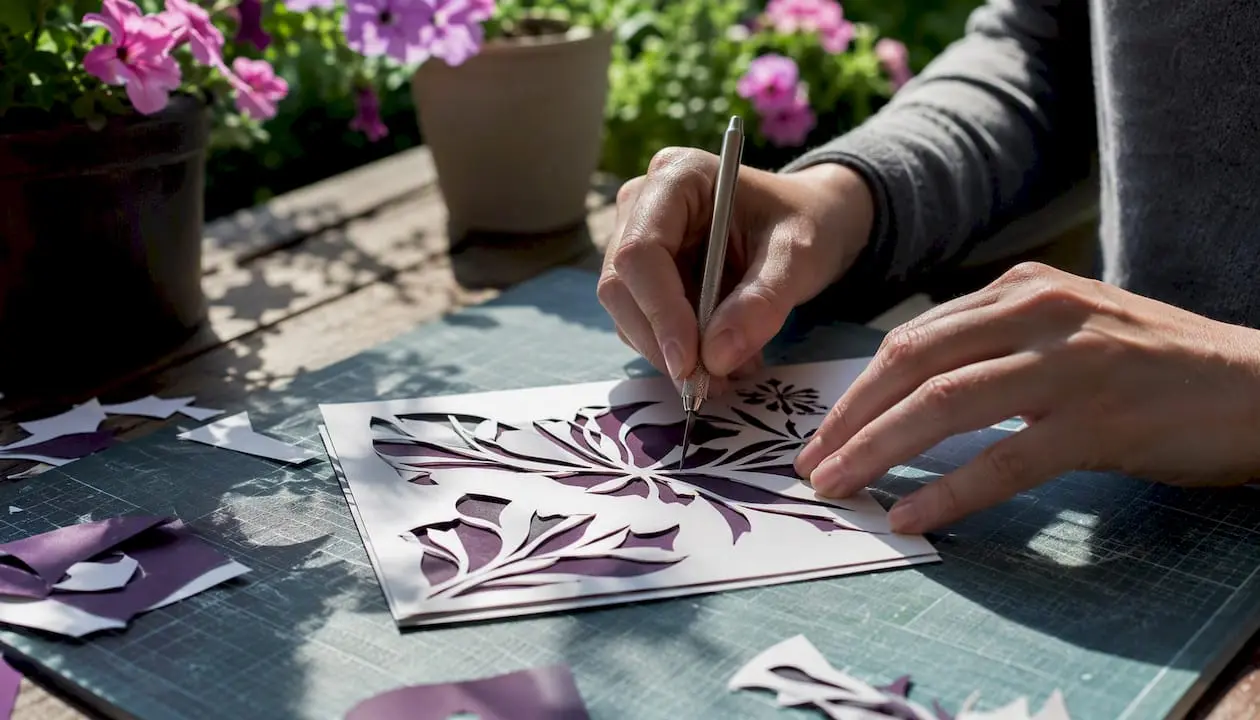
The habit that made the biggest difference was annotating each template after use: a pencil note of which papers worked, which colour combination to try next time, and whether the sketch suits a particular occasion. Over time, that binder becomes a personal design library that is far more useful than any online gallery.
Pro Tip: Keep a “variations” column next to each sketch in your binder. After making three or four cards from one template, you will have enough notes to make ten more without repeating yourself.
Craftsuprint: your next download is one click away
If you have been working from hand-drawn sketches or hunting across multiple sites for a measured layout, Craftsuprint consolidates everything in one place. The Card Creator lets you set your exact card dimensions and generate a printable template without any design software, while the downloads area stocks ready-made PDF and SVG files for the most common UK card blank sizes.
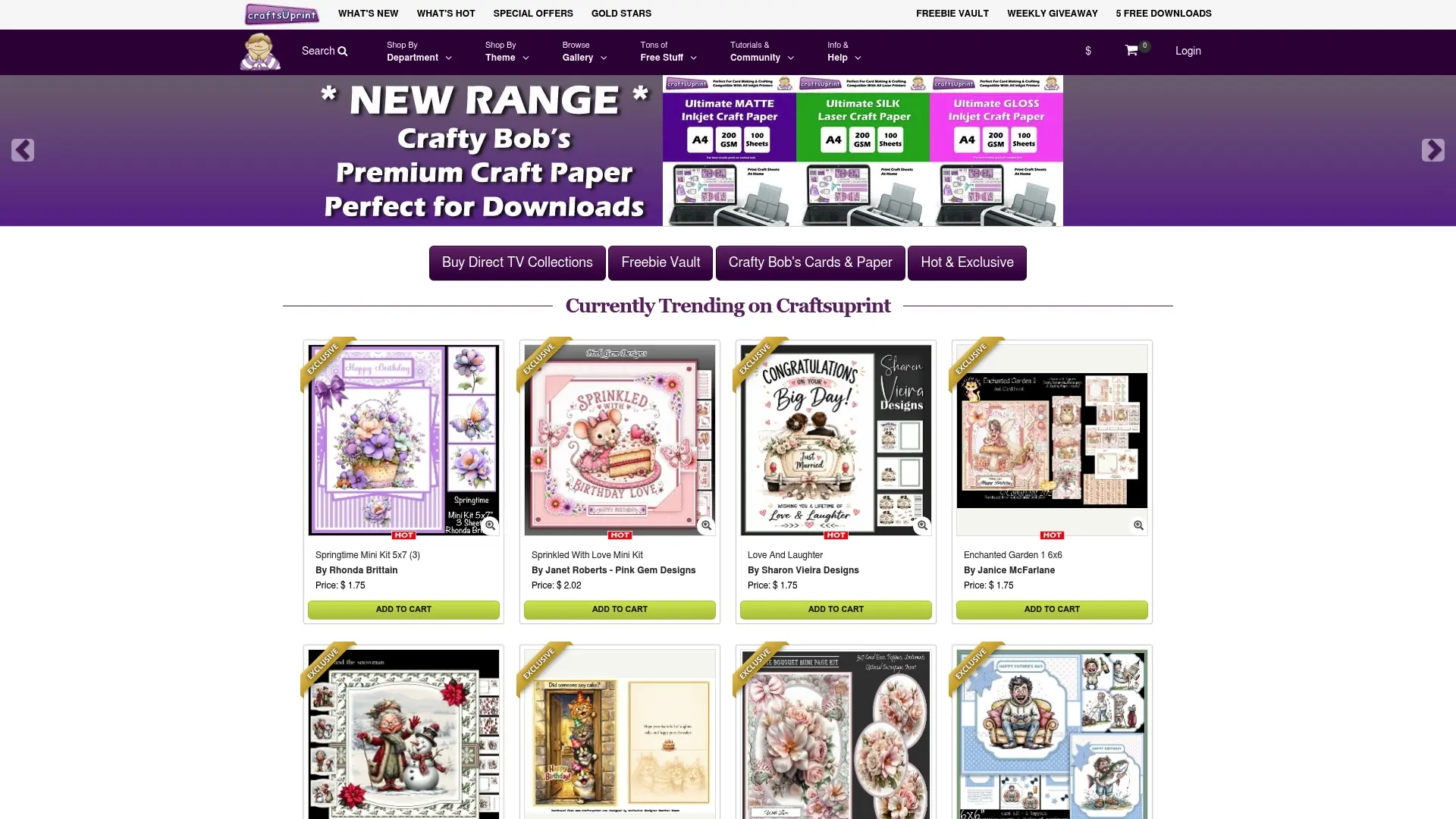
Free member gifts are available through the Create & Craft members gift page, which is updated with new printable downloads regularly. Premium packs include full measured template sets with coordinating papers and toppers. The Craftsuprint blog also carries tutorials that show exactly how each template type assembles, so you are never left guessing at a step.
Sources
- Card Sketch Ideas + Free Printable
- How to Make Handmade Cards: Easy Design Templates For Any Card - Aubree Originals
- Easy Handmade Cards: 1 Sketch, 2 Simple Ideas - Simply Simple Stamping
FAQ
What is a card sketch template?
A card sketch template is a simple line drawing that maps the position and size of each element on a handmade card, including the focal panel, mats, sentiment strip and embellishments. It gives you a measured layout to follow before you cut any paper.
What file format is best for printing card sketch templates at home?
PDF is the most reliable format for home printing because it preserves exact dimensions.
Which UK card blank size should I use with a standard sketch?
A6 (148 × 105 mm folded) is the most common UK greeting card blank and the closest equivalent to the US A2 size used in many free templates. DL (210 × 99 mm) is the standard choice for slimline designs.
Can I use one card sketch template to make multiple different cards?
Yes. Rotating or flipping the sketch, swapping papers, or changing the focal element from a stamped image to a die-cut shape produces distinct results from a single layout, as shown by Whimsy Stamps and Simply Simple Stamping.
Where can I download measured card sketch templates in the UK?
Craftsuprint’s Card Creator and downloads area offer PDF and SVG templates sized for UK card blanks. Free options are also available from Altenew, Whimsy Stamps and Simply Simple Stamping, though most free templates use imperial measurements and will need converting for UK stock.